


It is 2 a.m. on a Tuesday in February. Peak Pay is showing $4 per delivery in Chicago. The snow is coming down sideways, the restaurant parking lot is half-empty, and practically no other driver is online. Then the screen flickers: 15% battery — Low Battery. You charged to 100% before leaving your apartment. Three hours ago. Mid-order, the phone is shutting down.
This is cold-battery collapse. It is not a malfunction. It is physics — and it is the most expensive mistake winter delivery drivers make. On a storm shift when DoorDash and Uber Eats are throwing $2 to $8 in Peak Pay bonuses per order, a dead phone is not an inconvenience. It is $80 to $120 vanishing in the time it takes your phone to recover. This guide breaks down exactly why it happens, what the real numbers look like at actual winter temperatures, and the specific strategies that keep your phone — and your earnings — running from first order to last delivery on the coldest nights of the year.
Why Cold Weather Destroys Your Phone Battery (The 90-Second Science)
Your smartphone battery is a lithium-ion cell. At its core, it generates electricity by moving lithium ions through a liquid electrolyte between two electrodes. The speed of that ion movement determines how much power the battery can deliver at any given moment.
Cold temperature changes the physics. When temperatures drop, the electrolyte inside your battery gets thicker — more viscous, like cold syrup. Lithium ions cannot move as quickly through that thickened fluid. The battery’s internal resistance spikes. And when the phone demands power faster than the sluggish electrolyte can supply it, the device reads that as a dead battery and shuts off.
The critical insight: the capacity is not gone. The energy is still in the battery. The phone simply cannot access it fast enough to stay powered under load. When the phone warms back up to operating temperature, that capacity returns. This is why a phone that died at 18% in a parking lot during a delivery sometimes turns back on at 30% in a warm restaurant lobby 20 minutes later. The battery was not drained. It was cold.
According to lithium battery research, a cell at 32°F (0°C) loses 20 to 30 percent of its rated capacity. At 14°F (-10°C), the loss reaches 40 percent. At 0°F (-18°C), you may have access to only 50 percent of what your phone claims to carry. And every 10°C drop in temperature increases the battery’s internal resistance further, accelerating the spiral toward emergency shutdown.
What Apple and Samsung Already Told You
Every major smartphone manufacturer publishes operating temperature specifications. Apple states that iPhone is designed to perform best at ambient temperatures between 32°F and 95°F (0°C to 35°C). Samsung Galaxy phones share nearly identical specs. Google Pixel: 32°F to 95°F. OnePlus: similar range. Below 32°F, you are outside the designed operating envelope.
That does not mean your phone immediately dies — it means accuracy and reliability degrade. The battery percentage indicator becomes unreliable. The phone may show 20% when it is minutes from shutdown. It may also activate a thermal protection mode and throttle the processor, which means your navigation and delivery apps run sluggishly at exactly the moment you need them most.
Here is what the performance curve looks like at real winter temperatures:
- 40°F to 50°F: 10 to 15 percent capacity reduction. You will notice shorter battery life but the phone behaves normally.
- 32°F to 39°F: 20 to 25 percent reduction. Battery percentage readings become inaccurate. Abrupt shutdowns become possible.
- 20°F to 31°F: 30 to 40 percent reduction. A phone you charged to 80% effectively has 48 to 56 percent usable capacity. Expect sudden shutoffs.
- 0°F to 19°F: Up to 50 percent reduction. A fully charged phone can shut down at 40% displayed — and that reading is lying to you.
- Below 0°F: Some phones refuse to operate at all or run only briefly before emergency shutdown.
For drivers in Minneapolis, Chicago, Detroit, Buffalo, Denver, Columbus, or any market that regularly drops below 20°F from December through February, this is not a hypothetical scenario. This is what happens every night you are on the road.
The Real Cost of a Dead Phone Mid-Shift
Cold weather is the best time to deliver. Full stop. Storm days trigger Peak Pay bonuses of $2 to $8 per order on DoorDash and Uber Eats, and active driver counts drop by 30 to 50 percent. Experienced drivers in cold-weather markets consistently report effective hourly rates of $40 to $60 during genuine snowstorms — two to three times the normal baseline.
A two-hour phone outage during a storm is not losing two hours at $15 per hour. You are losing two hours at your peak rate. At $45 per hour effective, that is $90 gone. At $60, it is $120. Over a winter with five genuine storm windows — which is conservative for most Midwestern and Northeastern cities — cold-phone problems can cost $450 to $600 in lost earnings from high-value windows alone.
That calculation does not include the customer rating damage from an incomplete delivery, the app support time lost trying to explain a dropped order, or the long-term battery degradation caused by improperly charging a frozen phone. For a full breakdown of protecting your earnings this winter beyond phone prep, see our complete winter driving tips guide for delivery drivers.
The investment to prevent all of this: a $15 insulating phone sleeve and a $40 power bank. Fully deductible as business expenses. Recoverable in a single good storm shift.
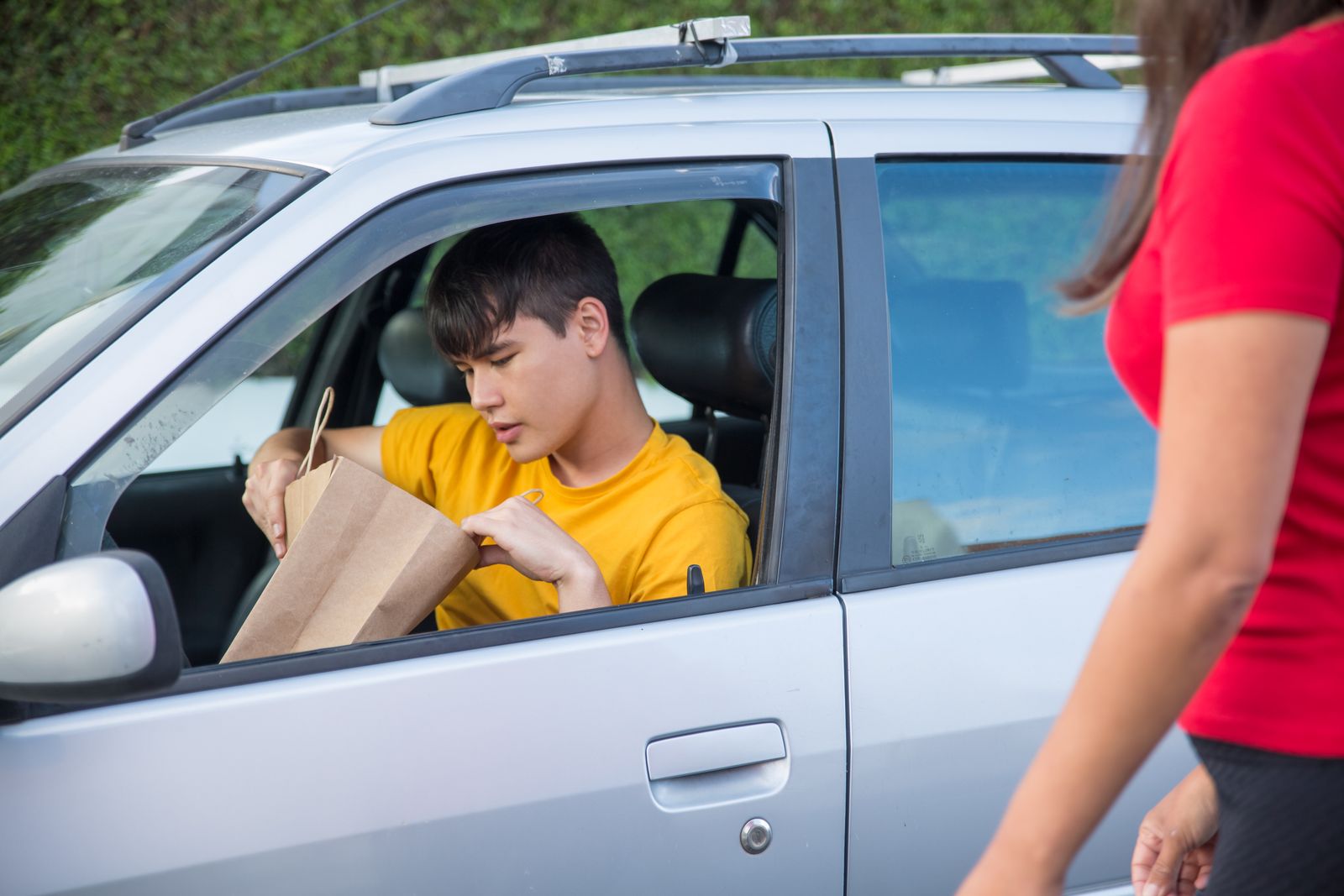
The 6 Worst Cold-Weather Mistakes Delivery Drivers Make
Most drivers know cold weather is hard on phones. Far fewer know which specific habits accelerate the problem — or which common workarounds actually make things worse long-term.
Leaving Your Phone in the Dashboard Mount Between Orders
The dashboard mount is one of the coldest microclimates in a cold vehicle. Warm air from the heater rises — it does not pool at dashboard level. Air blowing from the defroster vent near the windshield is cold air being processed by the heating system; it is cold before it heats. A phone clipped at the top of your dash is often in cooler air than you are in the driver’s seat. Between orders, move the phone to your lap or inner jacket pocket. This one habit alone can add 30 to 60 minutes of reliable operation on a cold shift.
Charging a Cold Phone Immediately
This is the mistake that causes permanent damage, not just temporary performance loss. When a battery’s temperature is below 32°F and you plug it in, lithium ions cannot insert smoothly into the anode. They deposit instead as metallic lithium on the anode surface — a process called lithium plating. This is irreversible. Each charging episode below freezing permanently reduces your battery’s maximum capacity.
The rule is simple: warm before you charge. Let the phone sit at room temperature for 20 to 30 minutes before plugging in. When you step into a warm restaurant lobby, put the phone in your pocket rather than immediately connecting a charger.
Running Full Screen Brightness in a Cold Car
Every increment of screen brightness multiplies the phone’s power demand. When the electrolyte is cold and ion transport is sluggish, the battery cannot deliver rapid power bursts efficiently. High screen brightness creates exactly those spikes. In cold weather, set brightness to 40 to 60 percent. Navigation is still perfectly readable. Your battery life extends meaningfully over a long shift.
Waiting Until 20% to Enable Low Power Mode
The conventional approach — flip on Low Power Mode at 20% — assumes your battery percentage readout is accurate. In cold weather, it is not. A phone showing 20% in a 15°F parking lot may be two minutes from a hard shutdown, not the 30 to 45 minutes that 20% would represent at room temperature. Enable Low Power Mode at 50% during winter shifts. Better to reduce background processes early than to lose the phone entirely during an active delivery.
Using Wireless Charging on a Cold Phone
Wireless charging pads generate heat unevenly and give you no real-time temperature visibility of the battery cell itself. When a cold phone starts receiving wireless charging current, the pad may warm the glass back of the device while the battery cell inside remains below 32°F. You are triggering lithium plating risk without realizing it. Use wired charging only when recovering a cold phone.
Forgetting That Your Power Bank Gets Cold Too
The power bank sitting in your center console, glove box, or backpack is a lithium-ion battery subject to the exact same cold-weather chemistry as your phone. A power bank that spent two hours in a 10°F car is not delivering its rated 20,000 mAh. It may be delivering 11,000 to 14,000 mAh — 30 to 40 percent less than spec. Keep the power bank in your inner jacket pocket with your phone. This one habit protects both devices simultaneously without requiring any extra gear.
The Shift-Ready Cold-Weather Protocol: Keeping Your Phone Alive All Night
Experienced winter delivery drivers develop a consistent pre-shift and in-shift routine. Here is the protocol that holds up from the first order to the last.
Before You Leave Home
Start with a fully charged phone inside your warm home, not in a cold car. Enable Low Power Mode before going outside — not once you are in the car. Close all background apps. Verify that your delivery apps (DoorDash, Uber Eats, Spark, Instacart, Amazon Flex) are updated so you do not hit a background update mid-shift. Set screen auto-lock to 30 seconds. These 5 minutes cost nothing and protect your entire shift.
In the Car
Keep the phone in your lap, an inner pocket, or an insulating sleeve — not the dashboard mount. A neoprene phone sleeve (typically $10 to $15) significantly reduces ambient heat loss without blocking the touchscreen. Let your car warm up to at least 45°F before mounting the phone for active navigation. Never place the phone directly on a cold seat or leave it in a cup holder where cold air pools at night.
During Pickups and Drop-Offs
When you step outside, pocket the phone. Do not leave it on the car seat or in the dash mount. Body heat is the most effective low-tech insulation available. A phone in your inner jacket pocket maintains near-body temperature — roughly 35°C — even when outdoor temps are well below zero. This is not obvious advice, but most drivers who lose phones to cold shutdowns during deliveries were not doing this.
Charging Strategy During a Shift
The best time to add charge is inside a warm restaurant during a pickup. Many pickup locations have a USB outlet or power strip accessible near the driver waiting area. A 5-minute warm-outlet charge is worth more in cold weather than a 10-minute car-charger session at 15°F. Keep battery between 20 and 80 percent throughout cold shifts — this range minimizes the voltage stress that amplifies cold-weather capacity loss over a long season.
Running two or three apps simultaneously to maximize orders? A multi-app setup puts extra load on your battery at exactly the time cold weather is already reducing its output. Review the load-balancing strategies in our multi-apping guide for DoorDash, Uber Eats, Instacart, and Spark drivers before your next cold-weather shift.
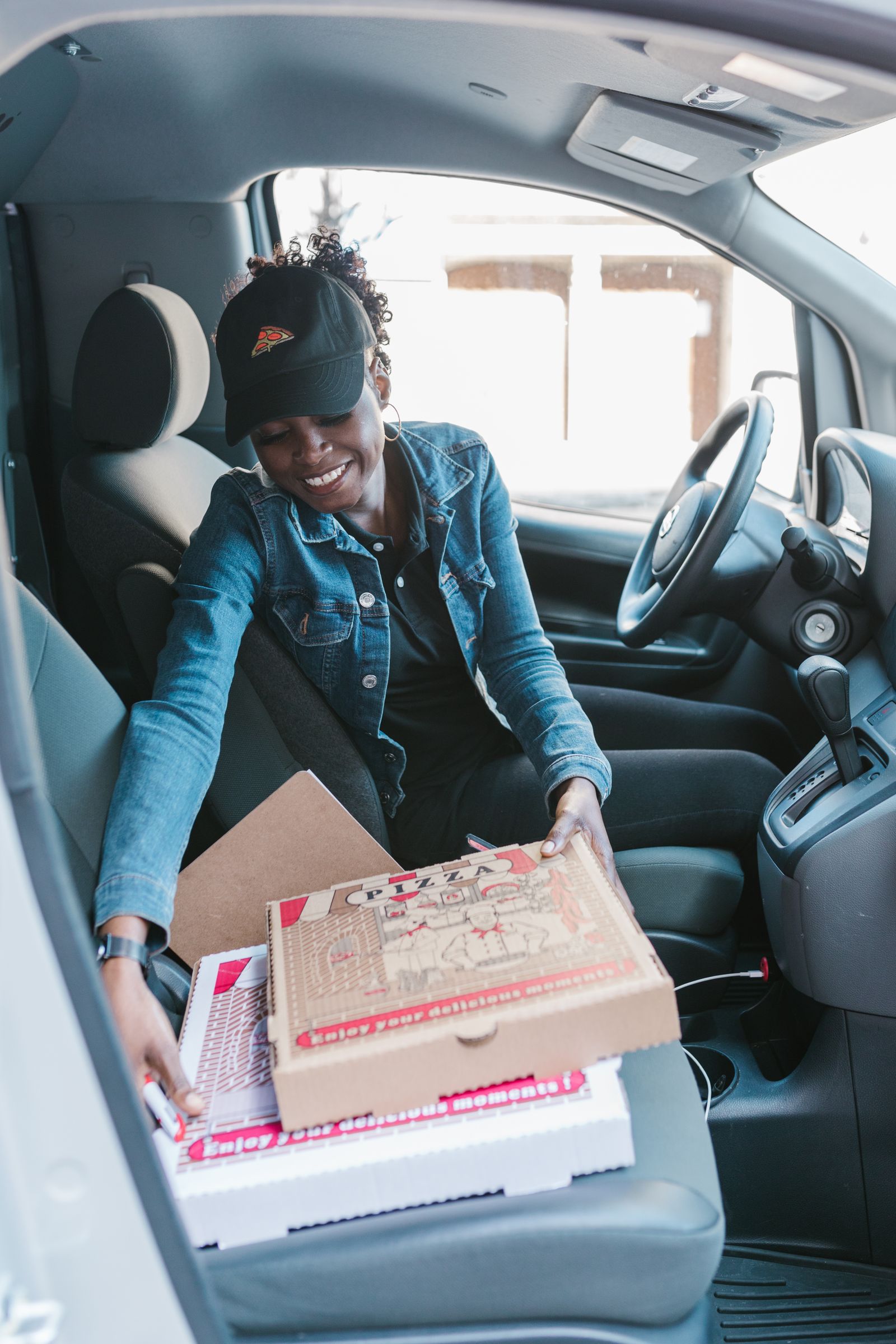
Building Your Winter Power Bank Setup
A quality power bank is not optional for winter delivery drivers. It is required equipment — the same way a good insulated bag is required for food temperature. Here is what to look for when choosing one for cold-weather shifts:
- Capacity: 20,000 mAh minimum. In cold weather, your phone may pull the equivalent of a full charge just to maintain normal performance over a 6-hour shift. A 10,000 mAh bank gets you one refill with limited buffer. At 20,000 mAh, you have two to three full charges even after cold-weather efficiency loss.
- Output: 45W to 65W USB-C fast charging. You do not always have 90 minutes to slow-charge during a shift. A 65W output gets a modern iPhone or Android from 10% to 50% in roughly 20 minutes.
- Dual ports: USB-A and USB-C. This covers phone and earbuds simultaneously. Running out of earbud battery during active navigation is a distraction that compounds your risk.
- Operating temperature spec: look for a bank rated to at least 14°F (-10°C). Premium power banks list this. Budget units often do not — and they are the ones delivering 40% less than rated after an hour in a cold car.
Store your power bank in your inner jacket pocket during shifts. It weighs about as much as a smartphone. You will not notice it. But on the night your phone hits 8% at 10°F with three orders left in the queue, you absolutely will.
Power banks, phone cases, phone mounts, and any accessories used specifically for delivery work are 100 percent deductible business expenses on Schedule C. For the full picture of what you can write off this tax year, see our complete tax deductions guide for DoorDash, Uber Eats, Spark, and Amazon Flex drivers.
The Winter Phone Settings Checklist (Run This Before Every Cold Shift)
The settings that conserve battery at room temperature save twice as much in cold weather. Run through this before you leave the driveway:
- Low Power Mode: ON — Settings > Battery > Low Power Mode (iPhone) or Settings > Battery > Battery Saver (Android)
- Screen brightness: 40 to 60 percent — Auto-brightness can spike high unexpectedly; manual control is more reliable during cold shifts
- Background App Refresh: Wi-Fi Only — Settings > General > Background App Refresh (iPhone); prevents apps from pulling data over cellular in the background
- Location Services: “While Using” for non-delivery apps — Any app running location tracking in the background is a constant battery draw that serves you nothing mid-shift
- 5G: disable in weak-coverage areas — A phone hunting for 5G signal burns significantly more power than LTE; toggle in Settings > Cellular > Voice & Data when you are delivering in suburban or exurban zones
- Bluetooth: earbuds only — Disconnect car Bluetooth, smartwatches, and any other paired device not actively needed for the shift
- Wi-Fi: ON — Counterintuitive, but when your phone connects to restaurant Wi-Fi during pickups it offloads data from the cellular radio, reducing overall power draw
- Screen auto-lock: 30 seconds — The display is your phone’s largest single power draw; auto-off reduces waste between glances at the navigation screen
- Battery Health check (iPhone only): Settings > Battery > Battery Health & Charging — If your maximum capacity reads below 80%, strongly consider a battery replacement before winter hits. A degraded cell in cold weather can behave as if it has 30 to 40 percent of its original capacity.
Android users: enable Adaptive Battery under Settings > Battery. On Samsung devices, also review Battery Optimization for each delivery app — you want DoorDash, Uber Eats, Spark, and Instacart excluded from optimization so the system does not kill them in the background between orders.
Building out your full winter tech kit? Your dashcam also has cold-weather performance thresholds. See our guide to the best dashcams for delivery drivers for models with wide operating temperature ranges suitable for northern markets.
What to Do When Your Phone Dies Mid-Delivery
Prevention beats recovery every time. But even with the right gear and habits, it can still happen. Here is the step-by-step when it does:
Step 1: Do not panic and do not immediately plug it in. A dead cold phone needs to warm, not charge. Plugging a sub-freezing phone into a cold-car charger starts the lithium plating process and causes permanent capacity damage. The worst outcome is not losing this shift — it is degrading the battery permanently so you lose capacity on every shift for the next year.
Step 2: Complete the delivery if you can. If you have an order in hand and know the address, proceed. Many drivers memorize or screenshot the drop-off address mid-delivery precisely because of this scenario. Do not abandon food in your car.
Step 3: Wait 15 to 20 minutes at room temperature. Place the phone in an inner pocket or near (not on) a heating source. Battery temperature recovery takes time. Rushing it by placing the phone directly on a hot seat warmer or near a heating vent can trigger uneven thermal stress.
Step 4: Soft reset and relaunch. Once the phone powers on, screenshot your active order details before doing anything else. The delivery app may or may not auto-resume your active order depending on the platform and how long the phone was off.
Step 5: Send a brief customer message. Through the app: “My phone briefly restarted due to the cold weather — I have your order and I am on the way.” Most customers are understanding. Many tip more generously when a driver handles a problem professionally rather than going silent.
Step 6: Warm-charge before continuing the shift. Once inside, plug in with a wired charger and give it 15 to 20 minutes at room temperature before heading back out. Do not resume delivering at 8% in 10°F weather — you will be in the same situation again within 30 minutes.
Winter is the most profitable season for delivery drivers in cold-weather markets. Storms, holidays, short days, and reduced driver supply create windows where your effective hourly rate can double or triple your summer baseline. Your phone is the only tool standing between you and that money. A $15 sleeve, a $40 power bank kept in your jacket, and the discipline to warm before charging — that is the complete winter phone setup. It fits in one jacket pocket. It pays for itself in one storm shift. There is no excuse to head into winter without it.
Ready to Start Delivering and Cash In?
Join thousands of drivers already earning — and get a $2,575 guaranteed bonus after completing your first 200 deliveries in select US cities.
New drivers: Sign up through our partner link and start earning today!
Sign Up for Uber Eats and Start Delivering →
Must be 18+. Background check required. Terms apply.