


If you are running 8-hour delivery shifts and filming every drop, you need to know exactly where the law stands on dashcams in 2026. The legal landscape has shifted — several states updated their recording consent rules since 2023, and the gig platforms themselves have issued clearer policies. This guide breaks down what you can record, where audio recording crosses a legal line, how to mount your camera without getting ticketed, and how to use footage to protect yourself when things go sideways. This is not legal advice — consult a licensed attorney in your state for guidance on your specific situation.
Driver Opportunity
Want to Earn While You Read?
Join as a new driver and get up to a $2,575 guaranteed bonus after completing your first 200 deliveries in select US cities.
Start Earning Now →New drivers only · Terms apply · Available in select cities
One-Party vs. All-Party Consent: What the Split Means for Your Dashcam
In a one-party consent state, you — as a participant in an interaction — can record it without telling anyone else. That covers roughly 38 states and Washington, D.C., and it is why most delivery drivers outside California and a handful of other states do not think twice about running dashcam audio. In an all-party consent state, every person who could be captured by your audio needs to agree before you record. The penalty for violating these laws is not a traffic ticket — it can mean criminal misdemeanor charges and civil liability for damages.
The practical question for dashcam use is this: when you roll up to a customer door, ring the bell, and your camera catches the conversation, are you in a one-party or all-party state? In a one-party state, that recording is almost certainly legal. In an all-party state like California, Florida, or Illinois, that audio recording without consent could expose you to real legal risk, even if you were not trying to capture private speech. The video itself is typically fine — it is the audio that creates the liability.
For road-facing footage — your front cam capturing the intersection where someone ran a red light — you are almost universally protected. Public roads carry no reasonable expectation of privacy. The legal complexity kicks in when your camera points at a customer’s private property or records voices inside a home or private vehicle. That is the line most dashcam guides never explain clearly, and it is the one that matters most for delivery work.
Audio Recording: Where the Real Legal Exposure Lives
Even in one-party consent states, audio recording inside someone’s home is a different matter. If your doorbell-facing camera records a conversation that takes place inside the customer’s residence while the door is open, you have captured speech in a space that carries a reasonable expectation of privacy. Courts have generally found that the inside of a home is protected even when someone accidentally records it from a public-adjacent position. Run a dashcam with audio on your dash pointed forward — that is your protection zone. A camera angle pointed at the front porch while you wait for a signature or a contactless handoff introduces real complexity.
The easiest rule of thumb: disable audio on any camera that is not strictly road-facing, particularly in all-party states. Most quality dashcams like the Vantrue N4 or Thinkware U1000 let you toggle audio separately for interior and exterior channels. Set road-facing channels to audio-on and interior or rear channels to audio-off if you are operating in California, Florida, Washington state, Maryland, Connecticut, New Hampshire, or Oregon. This costs you nothing in terms of protection and eliminates a major liability vector before it ever becomes a problem.
Some drivers ask whether a posted notice — like a sticker on your car saying Recording in Progress — creates implied consent. Courts have split on this. In California, a visible notice has not been consistently held to satisfy the two-party consent requirement for audio recording of non-participants. Do not rely on a sticker as your legal defense. Rely on turning the audio off and knowing which state you are in before your first pickup of the day.
Windshield Mounting Laws: Don’t Let Your Camera Mount Get You Pulled Over
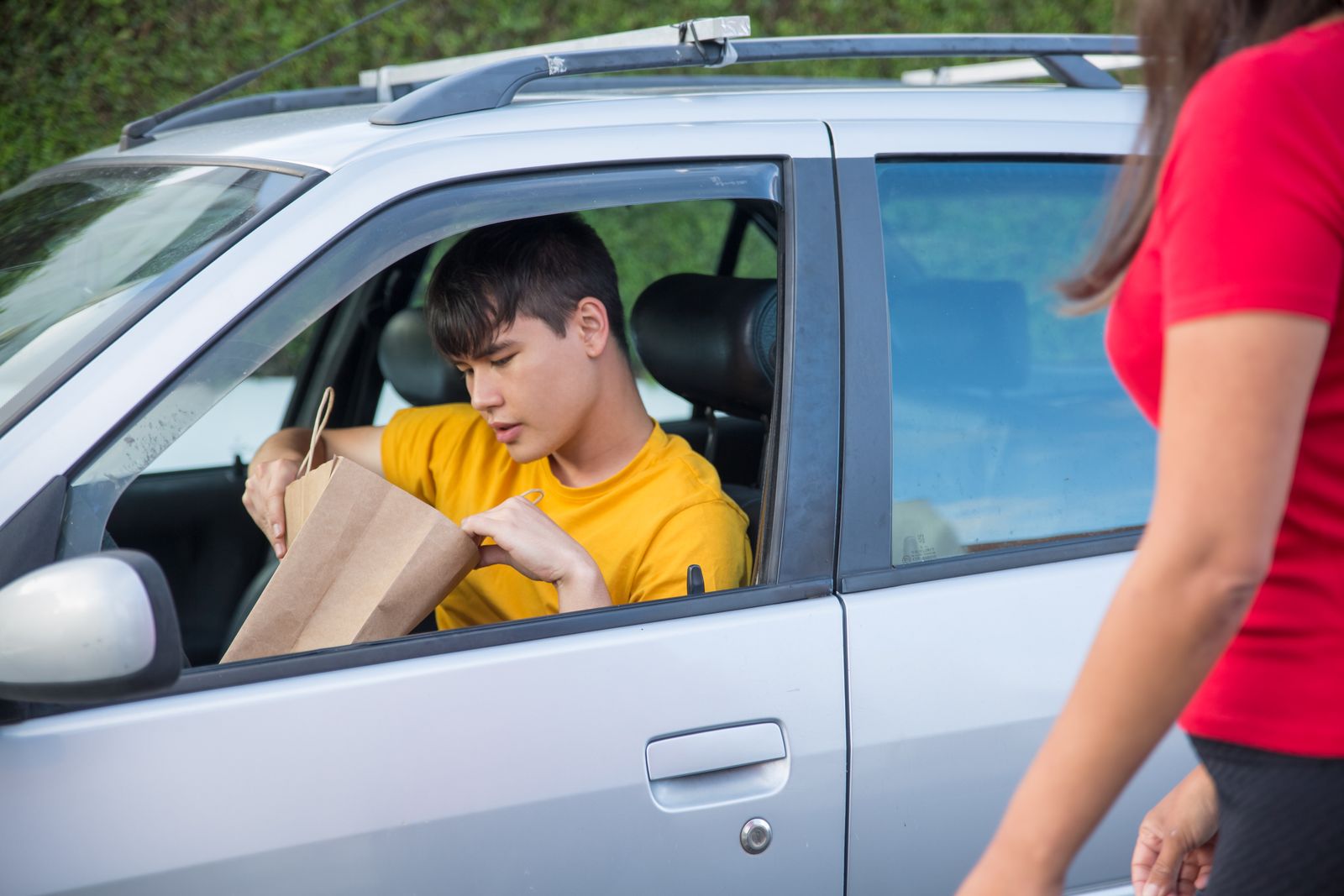
Dashcams can create a secondary legal problem entirely unrelated to recording consent: windshield obstruction. Almost every state prohibits mounting objects in a driver’s direct line of sight, typically defined as the windshield area swept by wipers. In California under Vehicle Code 26708, electronic devices on the windshield are restricted to a narrow 7-inch square in the lower driver’s corner or a 5-inch square in the lower passenger corner. Mount your camera outside those zones and you are technically in violation — and an officer looking for a reason to stop a delivery vehicle will find it.
Florida, Texas, and New York have similar obstruction statutes. Best practice: mount on the rearview mirror mount arm or use a rear windshield mount for your rear camera. Keep the camera small and high — most modern compact dashcams mount behind the rearview mirror and stay out of your sightline entirely. If you are running a system like the BlackVue DR970X or Garmin Dash Cam Mini 3, the mounting footprint is small enough to stay compliant in virtually every state. Some states, including Michigan and Oregon, specifically exempt properly mounted dashcams from windshield obstruction statutes, but confirm your state’s DMV guidance before assuming you are exempt — and check annually, because those statutes get updated.
A dashcam ticket is a nuisance, but the bigger risk is what happens next — an officer who notices an improperly mounted camera is now paying extra attention to everything else in your vehicle. For gig drivers who depend on a clean record to maintain platform access, that is a risk worth eliminating. And if things escalate further, knowing your rights around vehicle impound recovery as a delivery driver is knowledge that can save you serious money and time when things go wrong on a shift.
What DoorDash, Uber Eats, Instacart, and Amazon Flex Say About Dashcams
None of the major gig platforms explicitly prohibit dashcams in their current contractor agreements as of November 2026. DoorDash’s Independent Contractor Agreement does not address in-vehicle recording equipment at all. Uber Eats similarly leaves dashcam use to the driver’s discretion, with one caveat buried in its terms: any recording of customers must comply with applicable law. That language puts the full legal burden on you, which is exactly why understanding consent laws matters before your first order of the day — not after something goes wrong.
Amazon Flex is worth a separate note. Amazon has deployed Netradyne AI cameras on its DSP delivery vehicles — these record interior and exterior simultaneously and are company equipment. For Flex drivers using personal vehicles, the standard contractor agreement does not mandate a camera, but it does not prohibit you from running your own dashcam either. The company’s Safe Delivery Policy notes that any safety incident documentation you provide may be reviewed. Translation: your footage could help or hurt you depending on what it shows. Understand that before you submit anything voluntarily to any party.
Instacart drivers working the in-store shopping model face a different wrinkle — most retail stores prohibit recording inside the store. When you are shopping an Instacart batch at Kroger or Costco, your dashcam stays in the car. Some drivers run a body camera for the parking lot and delivery portions; this falls into the same audio consent analysis as a vehicle dashcam. Keep audio off when you are on private commercial property unless you are in a one-party state and you are a direct participant in the recorded conversation.
Platform deactivations related to driver identity disputes are increasing across all the major apps. If you have dealt with in-app identity verification issues, dashcam footage that shows you — the verified driver — completing deliveries on that shift can be useful documentation in a reactivation appeal. Timestamps and GPS data embedded in the video file add credibility that screenshots alone cannot match.
State Quick-Reference: Recording Consent by Category
This grouping is based on statute interpretations as of late 2026. Laws change, courts interpret them differently across jurisdictions, and several states have pending legislation that could shift their category. This is not legal advice — verify your specific state statute before relying on this reference for any real-world decision, and check for updates if you have not revisited this topic since mid-2025.
One-party consent states (audio recording generally permitted when you are a participant in the conversation): Alabama, Alaska, Arizona, Arkansas, Colorado, Georgia, Hawaii, Idaho, Indiana, Iowa, Kansas, Kentucky, Louisiana, Maine, Michigan, Minnesota, Mississippi, Missouri, Nebraska, New Jersey, New Mexico, New York, North Carolina, North Dakota, Ohio, Oklahoma, South Carolina, South Dakota, Tennessee, Texas, Utah, Virginia, West Virginia, Wisconsin, Wyoming, and Washington D.C. In these states, running audio on a road-facing or interior dashcam while you are present in the vehicle is generally lawful, though private-property recording rules still apply regardless of consent category — a one-party state does not give you unlimited recording rights inside a customer’s home.
All-party consent states (all parties must consent to audio recording — disable audio or obtain explicit consent before recording): California, Connecticut, Florida, Illinois, Maryland, Massachusetts, Montana, New Hampshire, Oregon, Pennsylvania, and Washington state. Florida updated its electronic surveillance statute in 2025 to include dashcam audio explicitly within its wiretapping framework when recording non-public individuals in private or semi-private settings. Maryland and Illinois have historically been among the most aggressive states in pursuing violations, with civil penalties that can reach into the thousands per incident. Washington state’s Privacy Act is broadly written and has caught drivers who did not realize they were capturing audio in spaces that qualified as private under the statute. If you regularly work any of these states, disabling audio on all cameras except your forward road-facing unit is the cleanest and most defensible approach available.
Using Dashcam Footage After an Accident or Deactivation Appeal
Your dashcam’s real value arrives when something goes wrong — another driver hits you, a customer falsely claims you damaged their property, or a platform deactivates you over an incident you handled correctly. In all three scenarios, the footage is only useful if you secured it immediately. Most dashcams loop-overwrite older footage automatically within 24 to 72 hours depending on your SD card size and resolution settings. The moment you are in an accident or receive a deactivation notice, pull the SD card, copy the files to a computer, and upload a backup to cloud storage. Do not leave the footage on a looping dashcam and assume it will still be there two days later.
When submitting footage as part of a DoorDash or Uber Eats deactivation appeal, attach the video file directly to your appeal email and reference a specific timestamp. Write a one-paragraph plain-English summary of what the footage shows. Support teams are not watching every frame; give them a time code — for example, at 7:42 p.m. the footage shows the bag placed at the door, the delivery photo taken, and the driver returning to the vehicle without incident. Specific beats vague every time an appeal reaches a human reviewer, and human reviewers are the ones with actual authority to overturn the decision.
For accident claims, your dashcam footage can support your version of events with your personal auto insurer, but understand the coverage landscape first. Rideshare and delivery endorsements do not all cover the same periods of your shift — read the breakdown of delivery driver insurance coverage gaps in 2026 before you assume your policy covers what you think it does. And understand that footage submitted to the other driver’s insurer can become part of a legal discovery process. If the footage shows something that cuts against your position — even something unrelated to the collision itself — talk to an attorney before voluntarily handing it over to anyone.
Keep copies of your footage in multiple locations. A dashcam that gets stolen or destroyed in the same accident eliminates your evidence at exactly the moment you need it most. A second copy on your phone’s cloud backup or a home computer means the footage survives even if the hardware does not. Many dashcam systems — the Thinkware, Garmin, and Vantrue lines all support this — offer Wi-Fi upload to a companion app that creates near-real-time cloud backup with zero manual effort after initial setup. For the five minutes of configuration it takes, that feature is one of the highest-value things you can enable.
Customer Doorstep Privacy: The Risk Nobody Talks About
Here is the scenario most dashcam guides skip entirely: you are running a rear-facing interior cam or a 360-degree system, and it records a customer’s home interior when the door opens, captures a minor child in the frame, or picks up a conversation that the customer clearly intended to be private. Even in a one-party consent state, recording inside someone’s home without their knowledge can create civil exposure under state privacy torts. It is not an automatic lawsuit, but it is a real legal theory — and some customers will find your camera, recognize they were filmed at their doorstep, and file a complaint with the platform that triggers a deactivation review.
The practical solution is a forward-facing setup that keeps cameras pointed away from customer space. Mount your primary cam facing the road. If you want delivery confirmation, use the app’s built-in delivery photo feature — that is exactly what it exists for, and those photos are geotagged and timestamped within the platform’s own system, which makes them more credible as evidence in a dispute than your own footage anyway. Do not use a secondary camera facing away from your vehicle as a substitute for the in-app confirmation photo. Keep your dashcam footage purpose-focused: accident protection, false claim defense, documentation of your route. Everything else is risk with no corresponding benefit.
Your dashcam records a lot of data that feeds into the broader picture of how platforms track your performance and adjudicate disputes. Understanding delivery app rate cards and base pay is part of the same driver literacy — knowing exactly how the platforms calculate your compensation, track your activity, and interpret incident reports is how you stay ahead of problems before they become deactivation notices.
Driver Opportunity
Ready to Start?
Turn This Guide Into Real Income. Join as a new driver and get up to a $2,575 guaranteed bonus after completing your first 200 deliveries in select US cities.
Sign Up & Start Delivering →New drivers only · Terms apply · Available in select cities
Running a dashcam in 2026 is one of the smartest moves a delivery driver can make — but only if you have taken ten minutes to understand the rules in your state. Disable audio in all-party consent states, mount your camera to stay within obstruction guidelines, secure your footage immediately after any incident, and keep your cameras pointed where they protect you rather than where they expose you. The camera is your witness; set it up so it testifies in your favor.