
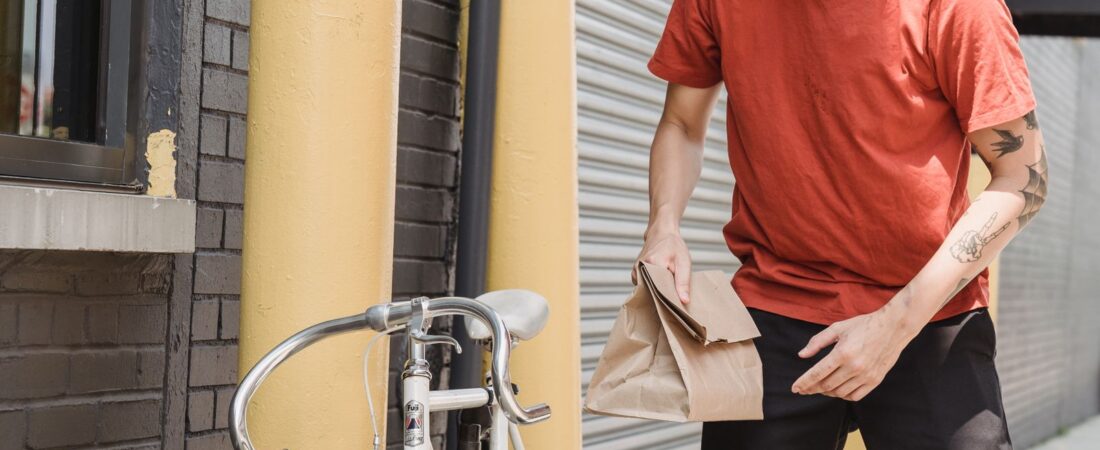

How to Dispute a Contract Violation on DoorDash, Uber Eats & Spark Driver in 2026
You open your app and there it is — a contract violation notice staring back at you. Your stomach drops. Maybe it’s a missing item report on an order you know you delivered correctly. Maybe it’s a low rating from a customer who gave no explanation. Whatever the reason, one thing is clear: you need to fight it, and you need to do it the right way.
Driver Opportunity
Want to Earn While You Read?
Join as a new driver and get up to a $2,575 guaranteed bonus after completing your first 200 deliveries in select US cities.
Start Earning Now →New drivers only · Terms apply · Available in select cities
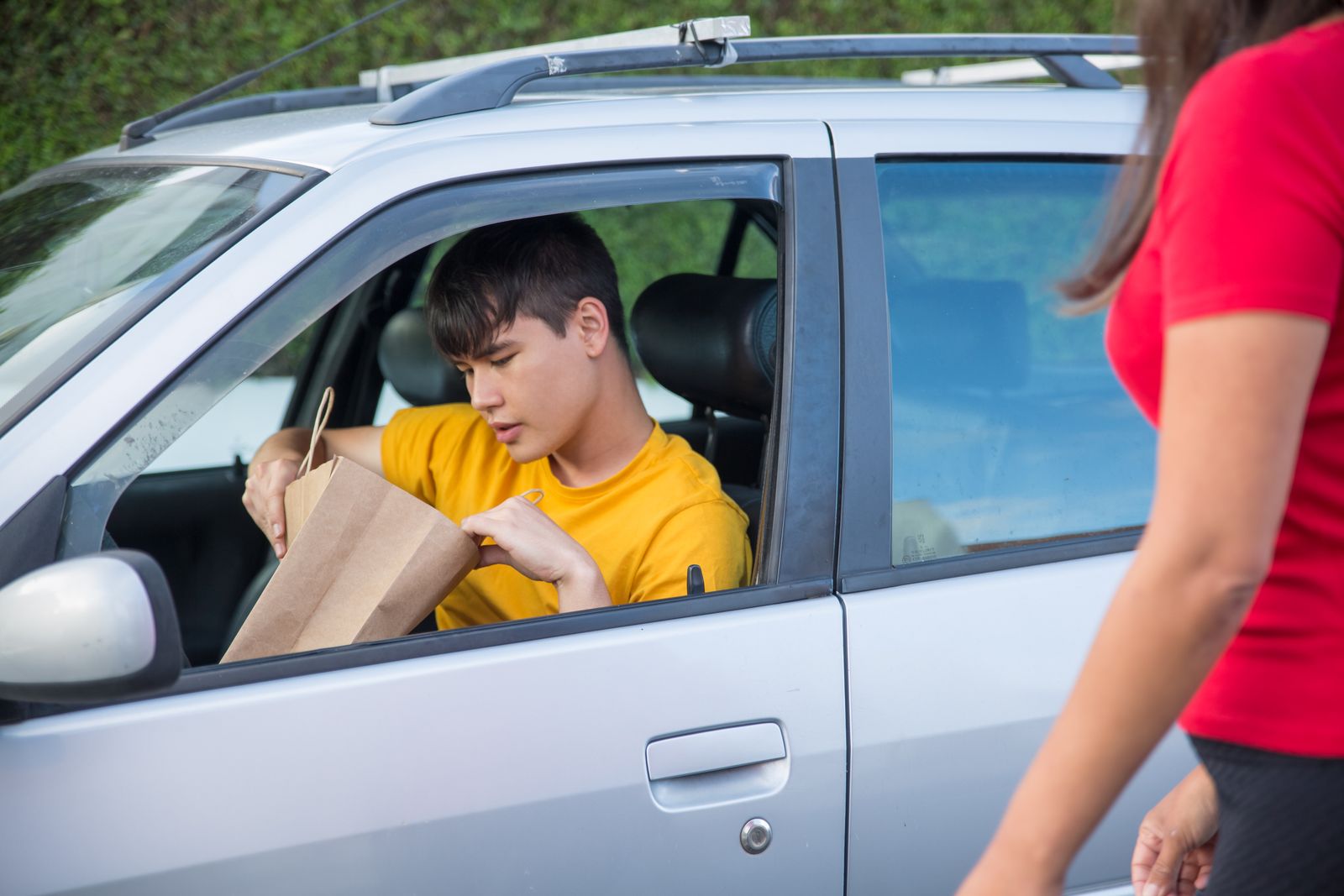
Contract violations are one of the most frustrating parts of gig driving. Platforms hold enormous power over your livelihood, and a single wrongful violation can tank your acceptance rate, lock you out of top-tier zones, or even get your account deactivated. The good news? You have more recourse than most drivers realize — if you know the process.
This guide breaks down exactly how to dispute contract violations on DoorDash, Uber Eats, and Spark Driver step by step. We’ve written it for drivers who are already in the trenches — so no fluff, just what actually works in 2026.
What Counts as a Contract Violation on Gig Delivery Platforms?
Before you dispute anything, you need to understand what you’re actually dealing with. Contract violations differ slightly by platform, but they generally fall into a few categories:
- Customer complaints — Reports of missing items, wrong items, spilled orders, or rude behavior.
- Late deliveries — Deliveries marked as significantly late based on the platform’s algorithm.
- Order not delivered (OND) reports — A customer claims they never received their order.
- Fraudulent activity flags — The platform suspects GPS manipulation, account sharing, or order theft.
- Photo/drop-off policy violations — Failing to leave a proper delivery photo or not following special instructions.
- Unresponsiveness — Not communicating with the customer or support during an active order.
It’s worth knowing that not every complaint automatically becomes a violation. Platforms review patterns. If a customer reports a missing item on an order with 10 items and you’ve had a clean record, a single flag may just be a warning. But accumulate them, or get flagged on a high-risk category like OND, and you’re looking at a formal violation that needs a response.
Know your rights before you start the dispute process. Our guide on delivery driver legal rights covers what platforms can and can’t do under current independent contractor agreements — essential reading if you feel like you’re being treated unfairly.
How to Dispute a Contract Violation on DoorDash (Step by Step)
DoorDash calls these “Contract Violations” and displays them directly in your Dasher app under Account > Ratings. Here’s the process to dispute one:
Step 1: Read the violation notice carefully
DoorDash will tell you the order date, restaurant, and the type of violation. Screenshot this screen immediately. You’ll need this reference number and date when you contact support.
Step 2: Gather your evidence before contacting anyone
This is where most drivers fail — they contact support empty-handed. Before you open a chat or call, collect:
- The delivery photo from your phone’s camera roll (check the timestamp — it should match the delivery window)
- Any text messages or in-app chats with the customer
- Screenshots of your GPS route or map at delivery time
- Any special instructions the customer provided and how you followed them
For a deep dive on making your delivery photos dispute-proof from day one, read our article on delivery photo tips. A timestamped, GPS-tagged photo showing the correct address is often enough to get an OND violation reversed on the spot.
Step 3: Submit your dispute through the Dasher app
Go to Help > Account > Ratings Issues in the Dasher app. Select the specific violation and tap Dispute. You’ll get a short text box — use it strategically (more on that below). Attach your delivery photo directly in the form if the option appears.
Step 4: Follow up via chat if you don’t hear back in 48 hours
DoorDash support response times vary wildly. If you submitted through the app and haven’t heard back in two days, open a live chat and reference your original submission. Be polite but persistent — escalating once is usually enough.
Real-world example: A driver in Phoenix got an OND flag on an apartment delivery. She had a photo showing the food at the door with the unit number visible, plus a text from the customer saying “on my way down.” DoorDash reversed the violation within 24 hours of her dispute submission. The photo was the entire case.
How to Dispute a Contract Violation on Uber Eats (Step by Step)
Uber Eats handles violations through its Driver app under the “Trips” tab. Uber’s system is slightly more transparent than DoorDash’s — you can often see whether the complaint came from a customer report or an algorithm flag.
Step 1: Find the flagged trip
Open the Uber Driver app and go to Account > Help > Trip Issues and Adjustments. Find the delivery in question using the date and restaurant. Tap it to see the full violation details.
Step 2: Choose “I want to dispute this”
Uber gives you a dispute option directly in the trip detail screen. Select it and choose the most accurate reason from the dropdown — “Order was delivered correctly,” “Photo evidence available,” or “Customer complaint appears fraudulent” are common options in 2026.
Step 3: Upload your delivery photo and any supporting evidence
Uber’s in-app form accepts image uploads. Attach your timestamped delivery photo. If you communicated with the customer via the app, those messages are already logged on Uber’s side — but call it out explicitly in your written statement.
Step 4: Escalate to phone support for deactivation-level violations
If the violation is serious enough to threaten your account, don’t rely on the app form alone. Call Uber’s driver support line (available in the Help section of the app) and ask to speak with the Driver Account Review team. Reference your trip ID and dispute submission number.
Thinking about joining Uber Eats as a second platform to offset risk on your main one? Smart move.
💰 Earn More. Diversify Your Platforms.
Don’t put all your eggs in one basket. Sign up for Uber Eats today and unlock a new income stream — plus get an exclusive driver bonus when you use our referral link.
🚗 Sign Up for Uber Eats →How to Dispute a Contract Violation on Spark Driver (Step by Step)
Spark Driver (Walmart’s delivery platform) operates differently from DoorDash and Uber Eats. Violations here often relate to incomplete deliveries, photo requirements, or substitution handling on grocery orders. The dispute process is less polished but absolutely winnable.
Step 1: Check your violation in the Spark Driver app
Open the Spark app and tap Menu > Performance. Violations appear here with a category label. Common ones include “Item Not Received,” “Incorrect Substitution,” and “Late to Store.”
Step 2: Contact Spark Driver support via the app
Spark’s in-app support is your first stop. Go to Menu > Help > Contact Us and select the order in question. Choose “Dispute Performance Issue” and describe the situation. Unlike DoorDash, Spark doesn’t have a formal built-in dispute form — you’re essentially submitting a support ticket.
Step 3: Email Spark Driver support directly
Many experienced Spark drivers have found that emailing sparkdriver@walmart.com directly gets faster results than the in-app support chat. In your email, include: your driver ID, the order number, date of delivery, and a clear explanation with attached evidence (photo, screenshot of GPS route, or customer communication).
Step 4: Be specific about substitution disputes
Spark orders frequently involve substitutions — where an item is out of stock and you or the system picks a replacement. If a violation stems from a substitution the customer approved in the app, screenshot that approval thread and attach it. Walmart’s system logs customer substitution approvals, and pointing this out explicitly often gets the violation dropped.
Real-world example: A driver in Dallas got flagged for a “wrong item” when a customer approved a brand substitution in the Spark app chat, then later complained. The driver emailed Spark support with a screenshot of the customer’s “OK sounds good” reply. Violation removed within 72 hours.
How to Write an Effective Appeal Letter for Any Platform
The words you use in your dispute matter more than most drivers think. Platform support agents read hundreds of these per day. A vague “I didn’t do this” response gets ignored. A clear, specific, professional statement gets reviewed seriously. Here’s the formula:
The 4-part appeal structure
- State the facts: “On [date], I completed order #[XXXX] from [restaurant] to [address]. I delivered the order at [time] and took a photo as required.”
- Reference your evidence: “Attached is my delivery photo, timestamped [time], showing the order placed at the door of unit [X] at [address]. My GPS confirms I was at this location.”
- Address the specific complaint: “The report states [violation type]. This is inaccurate because [specific rebuttal — e.g., I followed all drop-off instructions, the customer confirmed receipt via in-app message, etc.].”
- Request a specific outcome: “I respectfully request that this violation be removed from my account as I fulfilled my delivery obligations correctly and have provided documentation to support this.”
Keep it under 200 words. Longer appeals don’t win faster — clear appeals do. Avoid emotional language, even if you’re furious. “This is unfair” reads as noise to a support agent. “Here is my timestamped photo proving delivery” reads as a case.
If your situation involves a canceled order that spawned a complaint, our breakdown of how to handle canceled orders will walk you through the exact documentation you need to protect yourself in advance.
How to Prevent Contract Violations Before They Happen
Winning disputes is good. Never needing to dispute in the first place is better. Here are the habits that top-rated drivers in 2026 use to keep their accounts clean:
1. Always take a delivery photo — even when it’s not required
Make this non-negotiable. Every. Single. Order. Even if the customer is standing right there. The photo is your alibi. Make sure it shows the food, the door or address marker, and is sharp enough to read any unit numbers. Our full guide to delivery photo tips covers angles, lighting, and what to include to make photos actually useful in a dispute.
2. Read every special instruction before you arrive
Most violations stem from instructions drivers didn’t follow — “leave at back door,” “call when you arrive,” “no contact delivery only.” Read them in the parking lot before you walk in, not while you’re already at the door. If instructions are ambiguous, message the customer through the app and screenshot their reply.
3. Communicate proactively on difficult orders
Running late? Message the customer. Can’t find the building? Message the customer. No answer at the door? Message through the app before you leave. These in-app messages are timestamped and logged — they become your evidence if a complaint comes in later. Silence, on the other hand, looks like negligence when a dispute reviewer sees it.
4. Don’t accept orders you can’t complete correctly
If a restaurant is 45 minutes behind and you’re already at another pickup, declining is better than accepting and delivering cold food or missing your window. A low acceptance rate is recoverable. A wave of late-delivery violations is harder to shake. Know your market and know your limits.
5. Track your own metrics weekly
Don’t wait for a violation notice to know something’s wrong. Check your rating, completion rate, and any flags in your app at least once a week. Catching a small issue early — like a rating dip after a string of apartment deliveries — gives you time to adjust your habits before a formal violation lands.
Final Thoughts: Fight Every Wrongful Violation
Here’s the reality: platforms count on the fact that most drivers won’t dispute. They accept violations quietly, absorb the hit to their rating, and move on. Don’t be that driver.
If you delivered the order correctly, followed the instructions, and have the photo to prove it — fight it. The dispute process exists precisely because the platforms know their automated systems generate false positives. A well-documented appeal with clear evidence has a strong success rate, especially for first-time violations and OND complaints.
The platforms need drivers. You have leverage — use it. And while you’re protecting your current accounts, consider diversifying across DoorDash, Uber Eats, and Spark so that no single platform holds your entire income hostage. If you’re not on Uber Eats yet, get signed up now: https://drivers.uber.com/i/vuccxew.
Your account is your business. Protect it like one.
Ready to Earn More as a Delivery Driver?
Sign up for Uber Eats today and earn a $2,575 guaranteed bonus after completing your first 200 deliveries in select US cities.
Ready to Start?
Turn This Guide Into Real Income
Thousands of drivers are already earning with delivery gigs. New drivers can get up to a $2,575 guaranteed bonus after their first 200 deliveries in select US cities.
Sign Up & Start Delivering →New drivers only · Terms apply · Available in select cities