


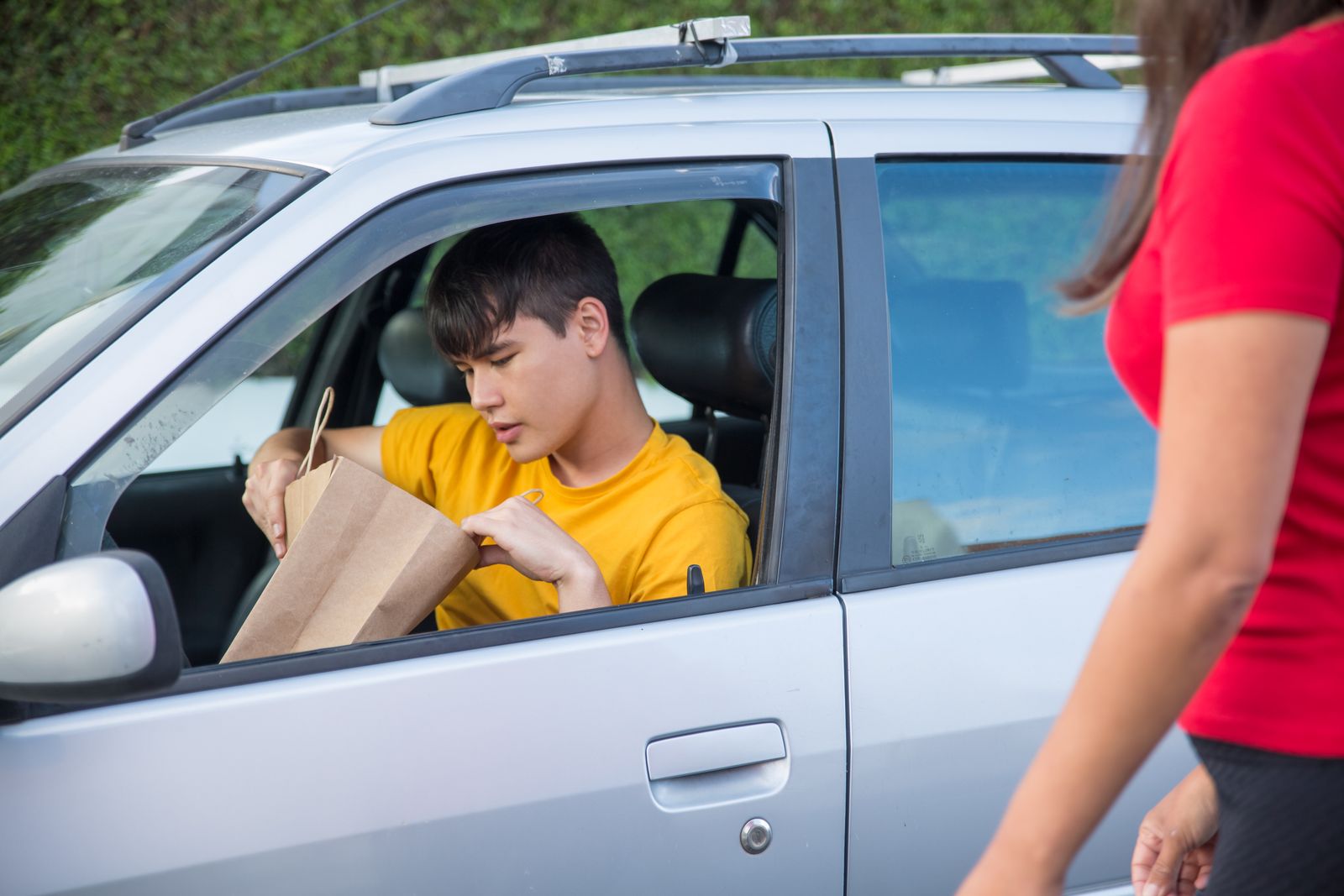
If you deliver for DoorDash, Uber Eats, Spark, or Instacart, your car is your office. And just like any workplace, things can go wrong — accidents, false claims, disputes with customers, or even theft. That is where a dash cam comes in. For delivery drivers in 2026, a dash cam is not just a nice-to-have accessory; it is a business expense that protects your income, your driving record, and your peace of mind.
Driver Opportunity
Want to Earn While You Read?
Join as a new driver and get up to a $2,575 guaranteed bonus after completing your first 200 deliveries in select US cities.
Start Earning Now →New drivers only · Terms apply · Available in select cities
In this guide, we will cover the best dash cams for delivery drivers, dash cam laws in every state, how to write off a dash cam on your taxes, and whether a dash cam can lower your insurance costs. Let us dive in.
Why Delivery Drivers Need a Dash Cam
Delivery drivers face unique risks on the road. You are driving in unfamiliar neighborhoods, parking in tight spots, and interacting with customers at their doorsteps. A dash cam provides video evidence that can save you from false accusations, disputed orders, and unfair contract violations.
According to a 2025 study by the National Safety Council, commercial drivers with dash cams are 20% less likely to file fraudulent claims against them. For gig workers who depend on their ratings and completion rates to keep earning, that protection is invaluable. In cities like Houston, Dallas, Chicago, New York City, and Los Angeles, dash cams are becoming standard equipment for serious delivery drivers.
“I have been delivering for DoorDash in Austin for two years,” says Marcus, a driver we spoke with. “A customer claimed I never delivered their order. My dash cam footage proved I handed it to them at their door. Without it, I would have been deactivated.” Stories like Marcus’s are common in the gig economy, and a dash cam is the only reliable witness you have.
Top Dash Cams for Delivery Drivers in 2026
After researching dozens of models and considering the specific needs of delivery drivers (night vision, parking mode, wide-angle coverage, reliability), here are our top recommendations.
1. Vantrue N4 — Best Overall for Delivery Drivers
Price: ~$240 | Channels: 3 (front, cabin, rear) | Resolution: 4K front + 1080p interior + 1080p rear
The Vantrue N4 is widely considered the best dash cam for delivery drivers. Its three-channel system records the road ahead, the driver cabin (showing you were on your phone or distracted while driving), and the rear view. The Sony STARVIS sensor delivers excellent night vision — critical for late-night DoorDash runs. Parking mode records motion-detected events while you are inside a restaurant picking up an order. For delivery drivers doing 50-100 stops per shift, this is the gold standard.
2. Rove R2-4K — Best Budget Option
Price: ~$110 | Channels: 1 (front only) | Resolution: 4K
If you are just starting out or driving for a single platform like DoorDash, the Rove R2-4K gives you excellent 4K front recording at a budget-friendly price. It includes parking mode, GPS logging, and a wide 150-degree viewing angle. The 4K resolution means you can read license plates clearly — essential for accident documentation in busy cities like LA and NYC.
3. VIOFO A229 Pro — Best Dual-Channel 4K
Price: ~$200 | Channels: 2 (front + rear) | Resolution: 4K front + 2K rear
The VIOFO A229 Pro offers the best video quality in its class with 4K front and 2K rear recording. Its buffered parking mode captures events 10 seconds before the motion trigger — useful when a hit-and-run happens while you are inside a restaurant. It also features GPS speed logging and voice notifications, which help if you ever need to submit evidence to DoorDash support or your insurance company.
4. Garmin Dash Cam 67W — Best for Compact Installation
Price: ~$180 | Channels: 1 (front, 180-degree wide) | Resolution: 1440p
For drivers who want minimal windshield clutter, the Garmin 67W offers an ultra-wide 180-degree field of view that captures intersections and cross-traffic. It includes voice control (“OK Garmin, save video”) so you can mark important clips hands-free while driving. Garmin’s Drive app makes it easy to review and share footage with insurance companies.
5. Vantrue Nexus 4 Pro — Best for Ride-Sharing & Delivery
Price: ~$155 | Channels: 4 (front, interior, rear, interior 2nd row) | Resolution: 4K front + 1080p interior
Recently released, the Vantrue Nexus 4 Pro features four-channel recording with a unique dual-lens interior camera that captures both the driver and passenger areas. Its infrared interior LEDs provide clear cabin recording at night — useful for proving you did not tamper with orders or interact improperly with customers. The built-in Wi-Fi and app compatibility make footage review quick and painless.
Dash Cam Laws by State: What Delivery Drivers Must Know
Dash cams are legal in all 50 US states, but the rules vary significantly — especially regarding audio recording. As a delivery driver crossing city and state lines (like drivers in the Dallas-Fort Worth metroplex or New York tri-state area), you need to know exactly what is legal where you drive.
Windshield Placement Rules
Most states prohibit placing anything on the windshield that obstructs the driver’s view. The rule of thumb: mount your dash cam behind the rearview mirror or on the dashboard, not in the center of the windshield. 48 out of 50 states allow dash cam mounting as long as it does not block the driver’s line of sight. California and Minnesota have strictest windshield rules — mount behind the mirror in these states.
Audio Recording Consent Laws
This is where delivery drivers need to be careful. While video recording is generally unrestricted in public spaces and inside your own vehicle, audio recording is subject to state wiretapping laws:
- 12 all-party consent states: California, Connecticut, Florida, Illinois, Maryland, Massachusetts, Michigan, Montana, Nevada, New Hampshire, Pennsylvania, and Washington require consent from ALL parties being recorded. If you pick up food at a drive-through or talk to customers while recording audio, you could be violating the law.
- One-party consent states: The remaining 38 states only require one party (you) to consent to audio recording.
What this means for you: If you drive in California (Los Angeles, San Francisco) or any of the 12 all-party consent states, turn off audio recording on your dash cam. Most models — Vantrue, Garmin, and Nextbase — ship with audio recording off by default for this reason. Check your settings before every shift.
For a full 50-state breakdown, refer to the Delivery Driver Legal Rights guide on this site for additional legal context.
Private Property & Drop-Offs
Dash cam footage recorded on public roads is generally admissible as evidence. However, recordings inside a customer’s driveway or property may have stricter rules. In practice, dash cams pointed outward (recording the road) are fine; interior-facing cameras recording customers at drop-off are in a legal gray area in all-party consent states.
Can You Write Off a Dash Cam on Your Taxes?
Yes — and you absolutely should. The IRS allows self-employed individuals to deduct ordinary and necessary business expenses on Schedule C. A dash cam qualifies as a business expense for delivery drivers because it is used to protect your business and document work-related driving.
How Much Can You Deduct?
- 100% business use: If you only use your car for deliveries, you can deduct 100% of the dash cam cost (up to $240 for a Vantrue N4).
- Mixed use: If you also use the car for personal trips, deduct the business-use percentage. For example, if 80% of your miles are for DoorDash, deduct 80% of the dash cam cost.
- Under $2,500: Dash cams fall under the IRS de minimis safe harbor (see our IRS Mileage Rate guide), meaning you can deduct the full cost in one year instead of depreciating it over multiple years.
Keep your receipt and note the date of purchase. When tax season comes, list it under “Supplies” or “Other business expenses” on Schedule C. Many delivery drivers miss this deduction, but a $240 dash cam saves you about $55-85 in taxes (depending on your tax bracket).
Additional Deductions Work Well With Dash Cams
Other deductible equipment for delivery drivers includes phone mounts, car chargers, insulated bags, and even a second phone for GPS. The key is that the expense must be “ordinary and necessary” for your business. A dash cam easily meets this test when you deliver food or packages for a living.
For a comprehensive overview of what you can deduct, check out our guide to Vehicle Depreciation for Delivery Drivers.
How Dash Cams Can Lower Your Insurance Costs
Delivery drivers often pay higher insurance premiums because personal auto policies exclude commercial activities. Some insurance companies now offer discounts for drivers who use dash cams. Here is how it works:
Insurance Discount Programs
- Progressive Snapshot: Tracks driving behavior through a device or app. While not a dash cam directly, using a dash cam alongside it builds a stronger case for discounts.
- Allstate Drivewise: Offers up to 15% off for safe driving. Dash cam footage can support disputed events.
- State Farm Drive Safe & Save: Discounts based on mileage and driving behavior.
- GEICO: Offers accident forgiveness programs where dash cam footage proves you were not at fault.
More importantly, dash cam footage can prevent your rates from going up after an accident. If another driver hits you during a delivery and their insurance disputes fault, your dash cam footage is irrefutable evidence. Without it, you could be stuck with a surcharge or deductible that wipes out weeks of delivery earnings.
Rideshare Gap Insurance & Dash Cams
When you are logged into DoorDash or Uber Eats but waiting for an order (Period 1 under most policies), you have minimal insurance coverage from the platform. If an accident happens during this time, a dash cam provides the evidence you need to prove when and how the accident occurred. This is especially important in cities like Houston and Dallas where rideshare-related accidents are common.
Check our Delivery Driver Safety Tips for more on staying protected on the road.
Recommended Dash Cam Setup for Delivery Drivers
Based on feedback from our community of drivers in major US markets, here is the ideal dash cam setup for daily delivery work:
- 3-channel recording: Front, cabin, and rear. The Vantrue N4 is the top pick here.
- Hardwire installation: Connect your dash cam to your car’s fuse box for 24/7 parking mode. Professional installation costs $50-100 at a car audio shop.
- High-endurance microSD: Delivery drivers record 4-8 hours of footage per day. Use a 256GB high-endurance card ($30-50) designed for continuous recording. Standard SD cards fail within months under constant write cycles.
- GPS module: Most dash cams include GPS logging. This records your speed and location, which can prove you were following traffic laws during an incident.
- Quick-release mount: In states with strict windshield laws, choose a dash cam with a suction or adhesive mount that lets you remove it quickly when parking in areas with theft risk.
Real Driver Experiences: Dash Cam Success Stories
Here are real scenarios where delivery drivers in our community used dash cams to protect their income:
Chicago, IL — False non-delivery claim: A DoorDash driver delivered a $65 order to a high-rise apartment. The customer claimed they never received it. The driver’s three-channel Vantrue N4 showed the handoff clearly — the order was accepted, and DoorDash removed the contract violation.
Houston, TX — Hit-and-run during pickup: While inside a restaurant picking up an Uber Eats order, another driver hit the delivery driver’s parked car and fled. The dash cam’s parking mode captured the license plate. Police recovered the vehicle and the delivery driver’s insurance claim was processed without deductible.
Los Angeles, CA — False injury claim: A customer claimed the delivery driver slipped and damaged their property. The driver’s forward-facing dash cam showed they never entered the property past the front gate. The claim was dismissed, and the driver avoided a $10,000+ lawsuit.
Frequently Asked Questions
Will DoorDash or Uber Eats deactivate me for using a dash cam?
No. DoorDash and Uber Eats do not prohibit dash cams. In fact, Uber’s Community Guidelines encourage drivers to use dash cams to document trips. Just make sure to notify passengers if you are driving for Uber (rideshare) and recording audio. For food delivery, no notification is typically required since passengers are not in your vehicle.
Do I need professional installation?
Not necessarily. Most dash cams plug into the 12V cigarette lighter port and mount with a suction cup. However, for a cleaner look and 24/7 parking mode, professional hardwiring is recommended. Many Best Buy locations offer installation starting at $65.
How long do dash cam SD cards last?
Standard SD cards last 6-12 months under continuous recording. High-endurance cards (Samsung Pro Endurance, SanDisk Max Endurance) last 3-5 years. Delivery drivers driving 6+ hours daily should use high-endurance cards exclusively.
Can I use my smartphone as a dash cam?
Yes, apps like DailyRoads Voyager and AutoBoy Dash Cam turn your phone into a basic dash cam. However, dedicated dash cams offer better night vision, wider viewing angles, parking mode, and loop recording without draining your phone battery. For serious delivery drivers, a $110-240 dedicated dash cam is worth the investment.
Ready to Earn More as a Delivery Driver?
Sign up for Uber Eats today and earn a $2,575 guaranteed bonus after completing your first 200 deliveries in select US cities.
Ready to Start?
Turn This Guide Into Real Income
Thousands of drivers are already earning with delivery gigs. New drivers can get up to a $2,575 guaranteed bonus after their first 200 deliveries in select US cities.
Sign Up & Start Delivering →New drivers only · Terms apply · Available in select cities
Some links on this page are affiliate links. If you buy a dash cam through our partner links, we may earn a commission at no extra cost to you.